
Language and theme
The interface language and the colour theme are both set in the account menu: the button with your name at the bottom of the sidebar.
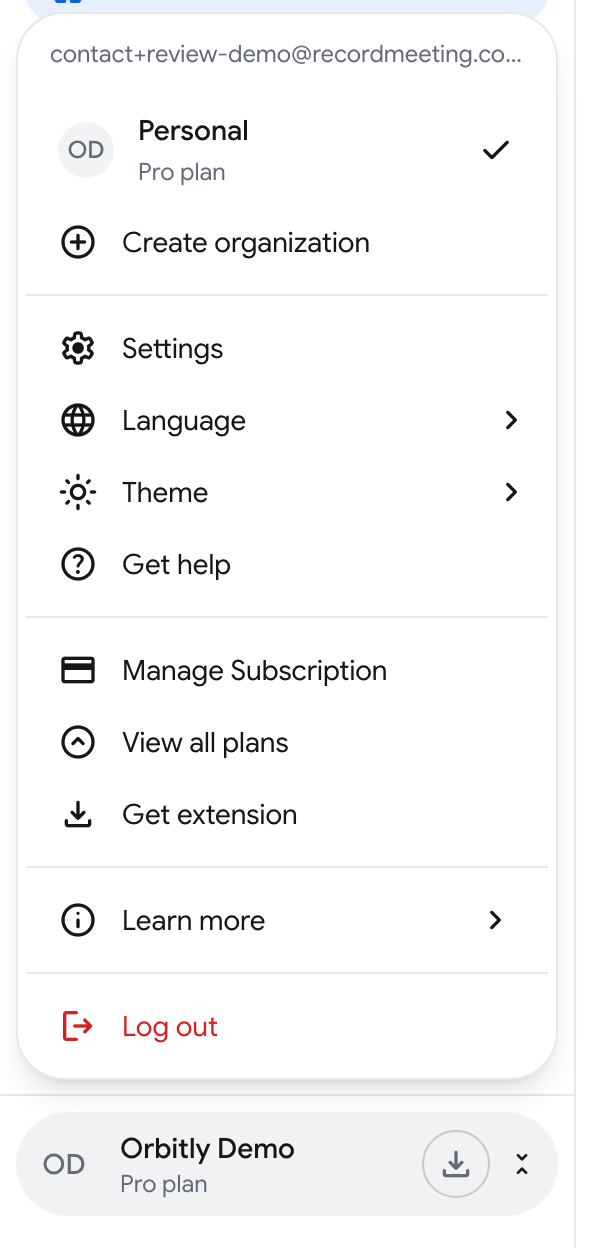
Change the language
Section titled “Change the language”- Sign in at recordmeeting.com/app.
- Click the button with your name at the bottom of the sidebar.
- Open Language.
- Pick a language from the list.
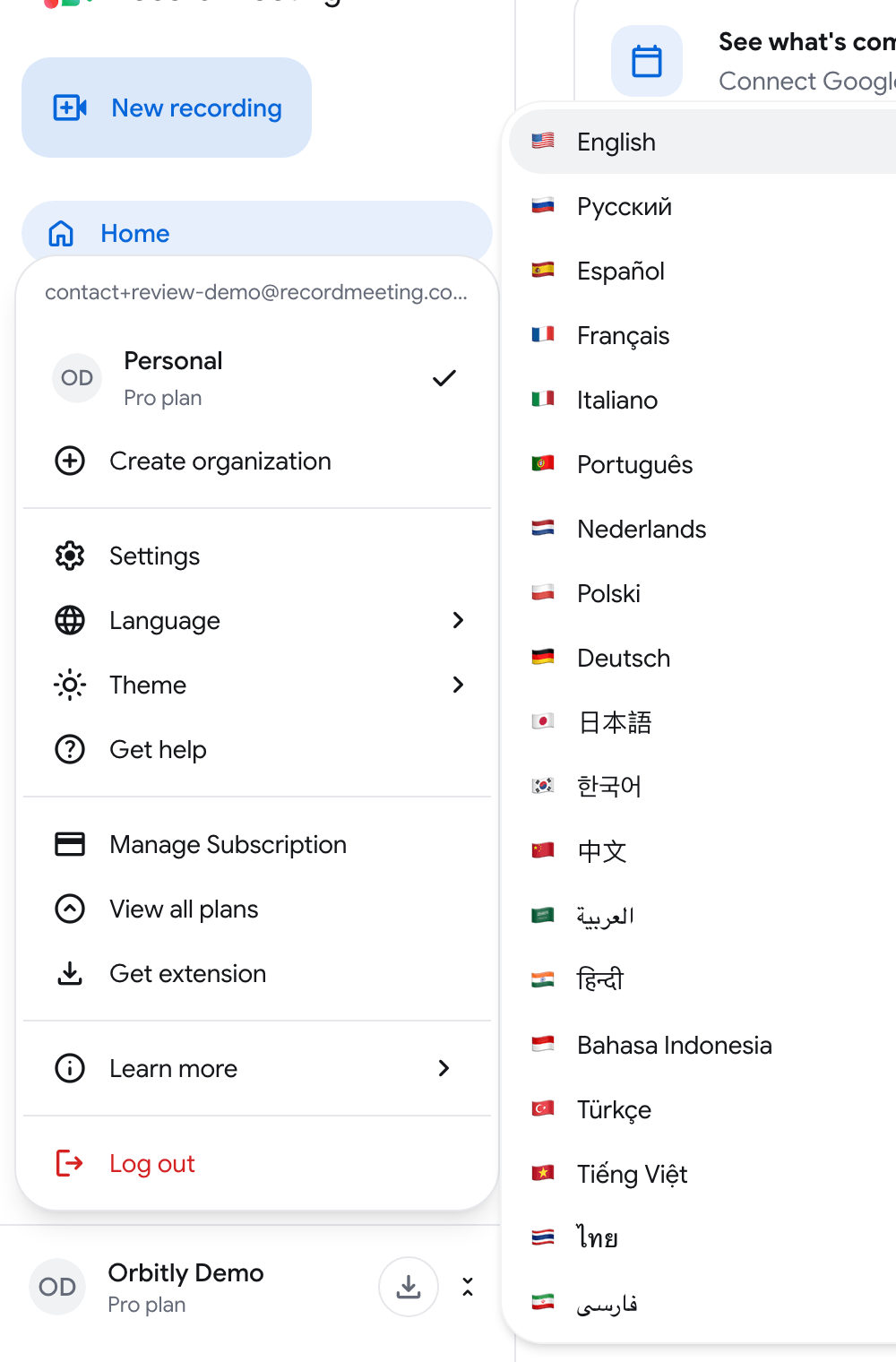
The app switches at once, and the choice is remembered in your browser.
Available languages
Section titled “Available languages”The menu offers 19 languages:
| English | Russian (Русский) | Spanish (Español) |
| French (Français) | Italian (Italiano) | Portuguese (Português) |
| Dutch (Nederlands) | Polish (Polski) | German (Deutsch) |
| Japanese (日本語) | Korean (한국어) | Chinese (中文) |
| Arabic (العربية) | Hindi (हिन्दी) | Indonesian (Bahasa Indonesia) |
| Turkish (Türkçe) | Vietnamese (Tiếng Việt) | Thai (ไทย) |
| Persian (فارسی) |
Change the theme
Section titled “Change the theme”- Click the button with your name at the bottom of the sidebar.
- Open Theme.
- Choose Light, Dark or System.
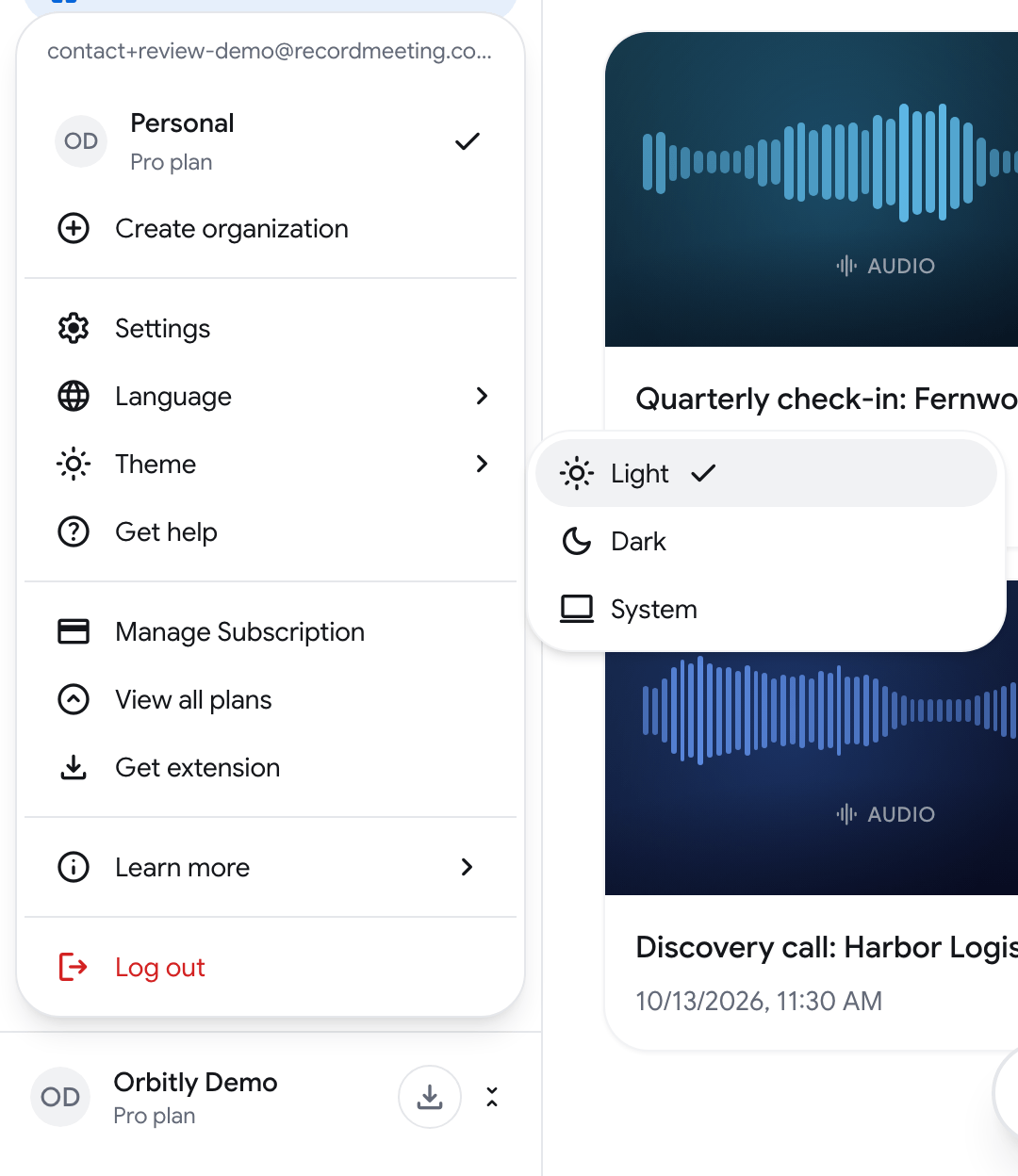
System follows the light or dark setting of your device.