
Locked recordings
On the Free plan, recording is never blocked. You can always start a recording, and it is always saved. What the Free plan limits is which recordings you can open. A recording you cannot open is shown as locked.
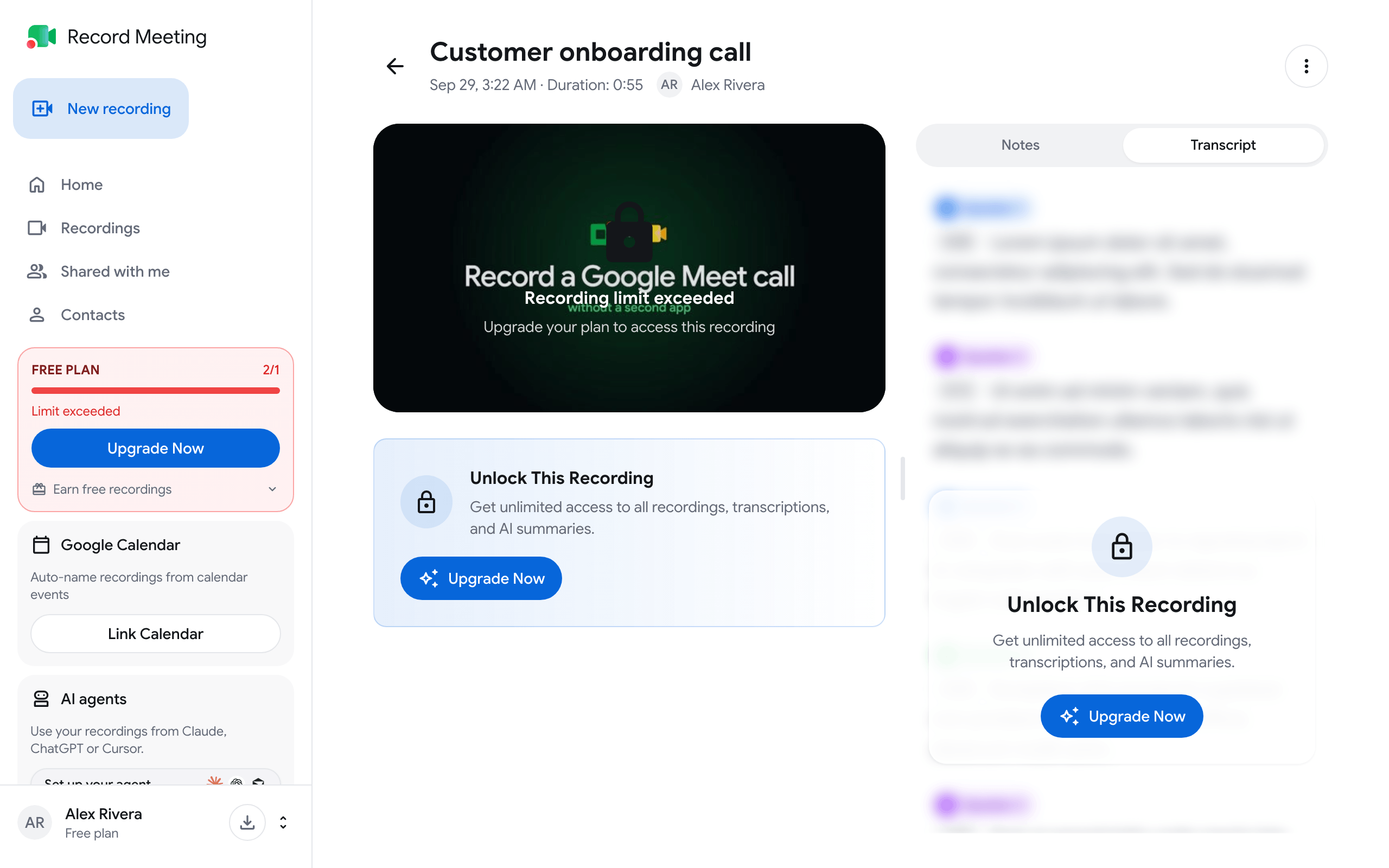
Why a recording is locked
Section titled “Why a recording is locked”There are three reasons. The card in the recordings list and the recording page tell you which one applies.
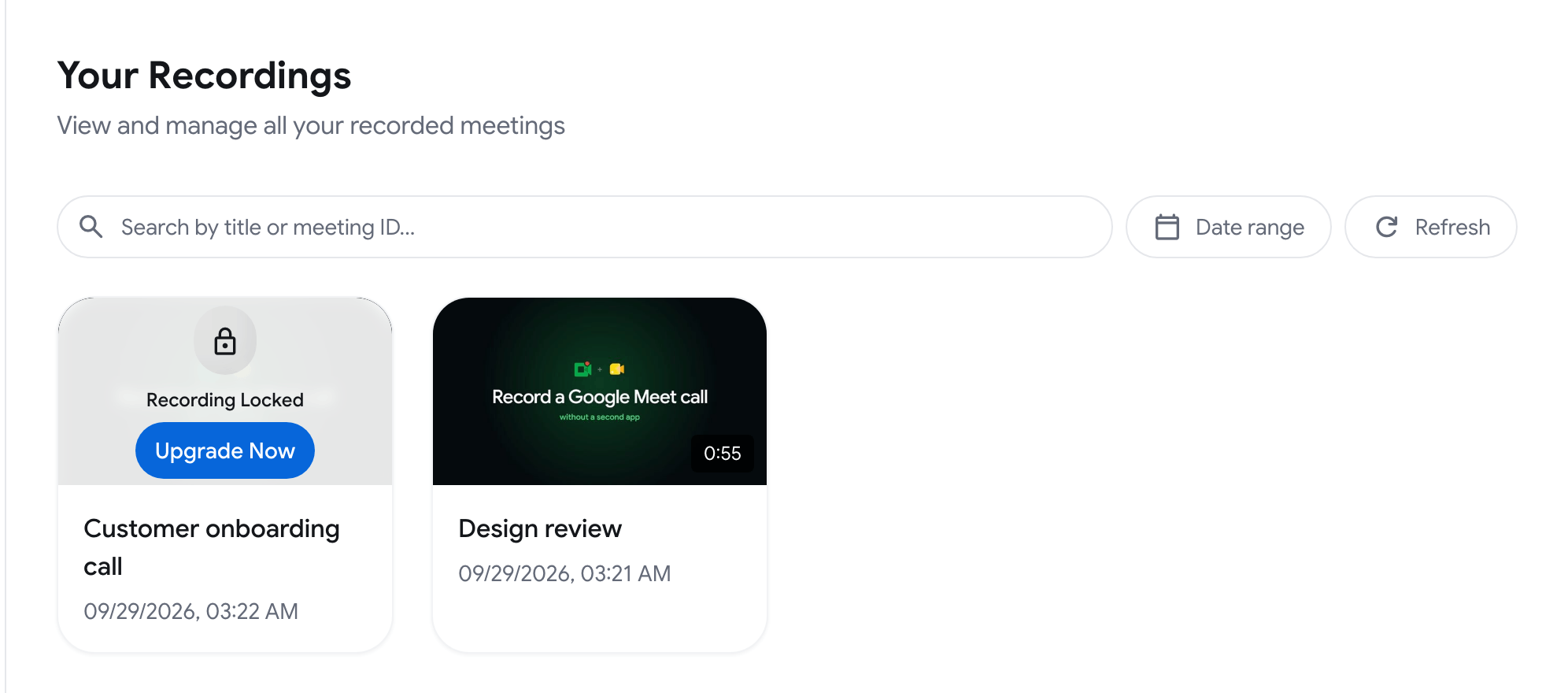
| What you see | Reason |
|---|---|
| Recording Locked on the card, Recording limit exceeded on the page | You have more recordings than the Free plan keeps unlocked. The pricing table shows the number as Unlocked recordings. |
| Older than (number) days | The recording is older than the access period of the Free plan. The pricing table shows it as Recording access. |
| Over 1 hour on the card, This recording is over 1 hour on the page | On Free you can open recordings up to 1 hour. A longer recording is saved in full, but you need Pro to open it. |
The current numbers are in Plans & pricing.
What a locked recording still shows
Section titled “What a locked recording still shows”A locked recording stays in your account. Nothing is deleted.
You still see:
- The recording in your list, with its title, date and length
- The recording page, with a lock message in place of the player and a callout that explains the reason
Until it is unlocked you cannot:
- Play or download the recording
- Share it
- Leave or read comments and reactions
You can still delete a locked recording.
Unlock a recording
Section titled “Unlock a recording”Upgrade to Pro. All your locked recordings open again.
- Open the locked recording.
- Click Upgrade Now in the callout under the player.
- Choose a plan and complete the payment.
You can also open the plans from the account menu (the button with your name at the bottom of the sidebar) with View all plans.
Long recordings on Free
Section titled “Long recordings on Free”A Free recording is not stopped at 1 hour. Shortly before the hour, on Google Meet and in recordings started from the web app, a Free limit almost reached message tells you that the recording keeps going and that you will need Pro to open it. You can let it run and decide later.
Every recording, on any plan, stops at 6 hours. See Interrupted recordings and limits.
After you cancel Pro
Section titled “After you cancel Pro”If you go back to Free, the same rules apply to your existing recordings. Nothing is deleted, and locked recordings open again when you return to Pro. See Manage subscription.
Recordings in an organization
Section titled “Recordings in an organization”Recordings that belong to an organization follow the organization’s plan, not your personal one.