
Organization analytics
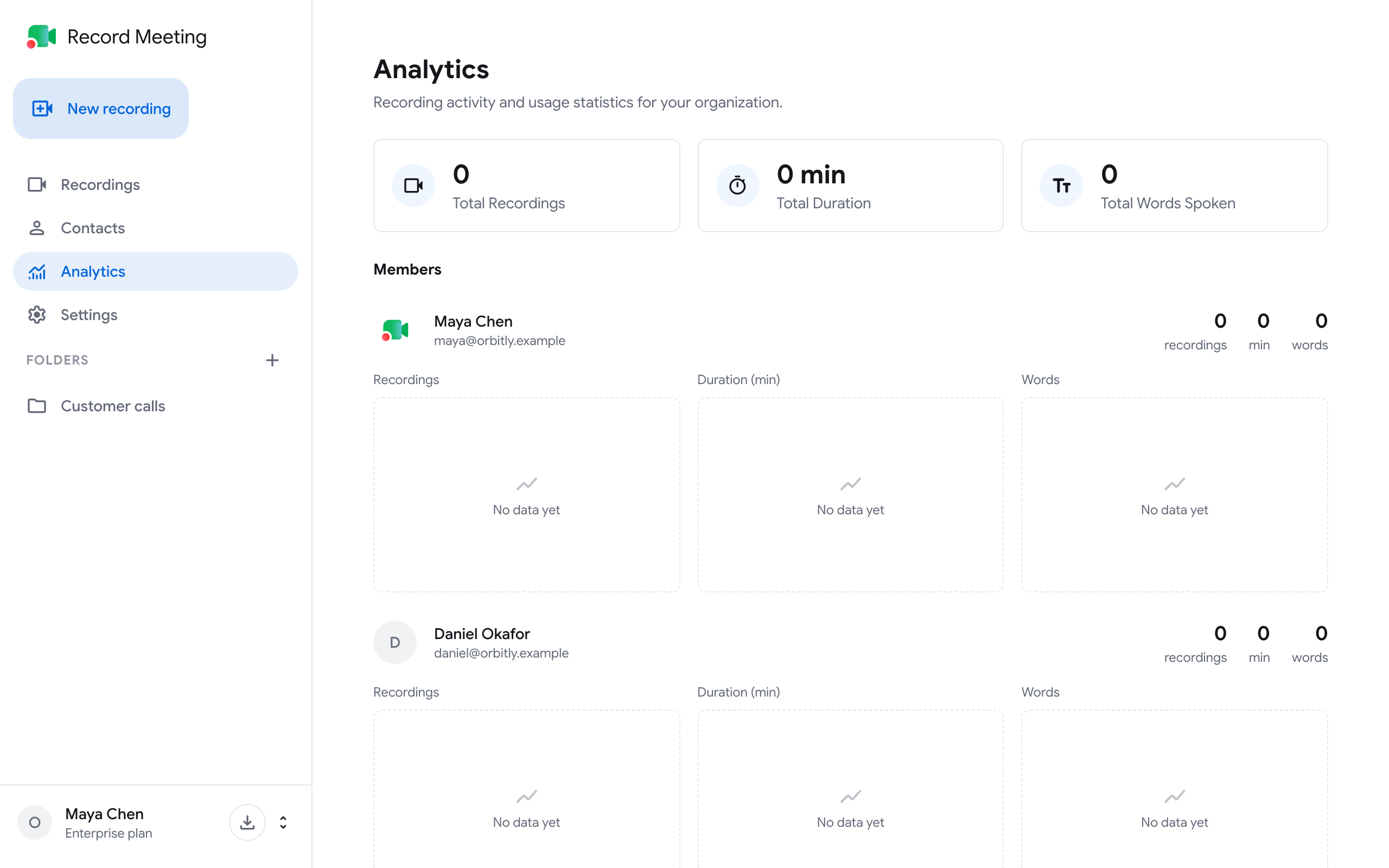
The Analytics page shows recording activity for a whole organization: how much the team records, for how long, and how much is said, in total and for each member.
Who can see it
Section titled “Who can see it”Only the organization’s Owner and Admins. Editors and Viewers do not have Analytics in their sidebar, and the page shows “Access denied” if they open its address.
Organizations are part of the Enterprise plan. See Organizations & Teams.
Open the page
Section titled “Open the page”- Switch to the organization in the account menu (the button with your name at the bottom of the sidebar).
- Click Analytics in the sidebar.
What the page shows
Section titled “What the page shows”Totals at the top:
- Total Recordings: the number of recordings counted.
- Total Duration: their combined length in minutes.
- Total Words Spoken: the number of words in their transcripts.
Charts over time, one point per day:
- Recordings Over Time
- Duration Over Time (minutes)
- Words Spoken Over Time
Members: a row for each member with their recordings, duration in minutes and words, and the same three charts for that person.
Why the page is empty
Section titled “Why the page is empty”Analytics appear once recordings with transcriptions are completed. Until then the page says “No analytics data yet”.